

Inventory Moves
The Inventory Moves report is the time-ordered log of every quantity change on every product in the date range. Every restock, every sale, every refund, every manual adjustment — one row per move, with the source document and the FIFO unit cost stamped on it.
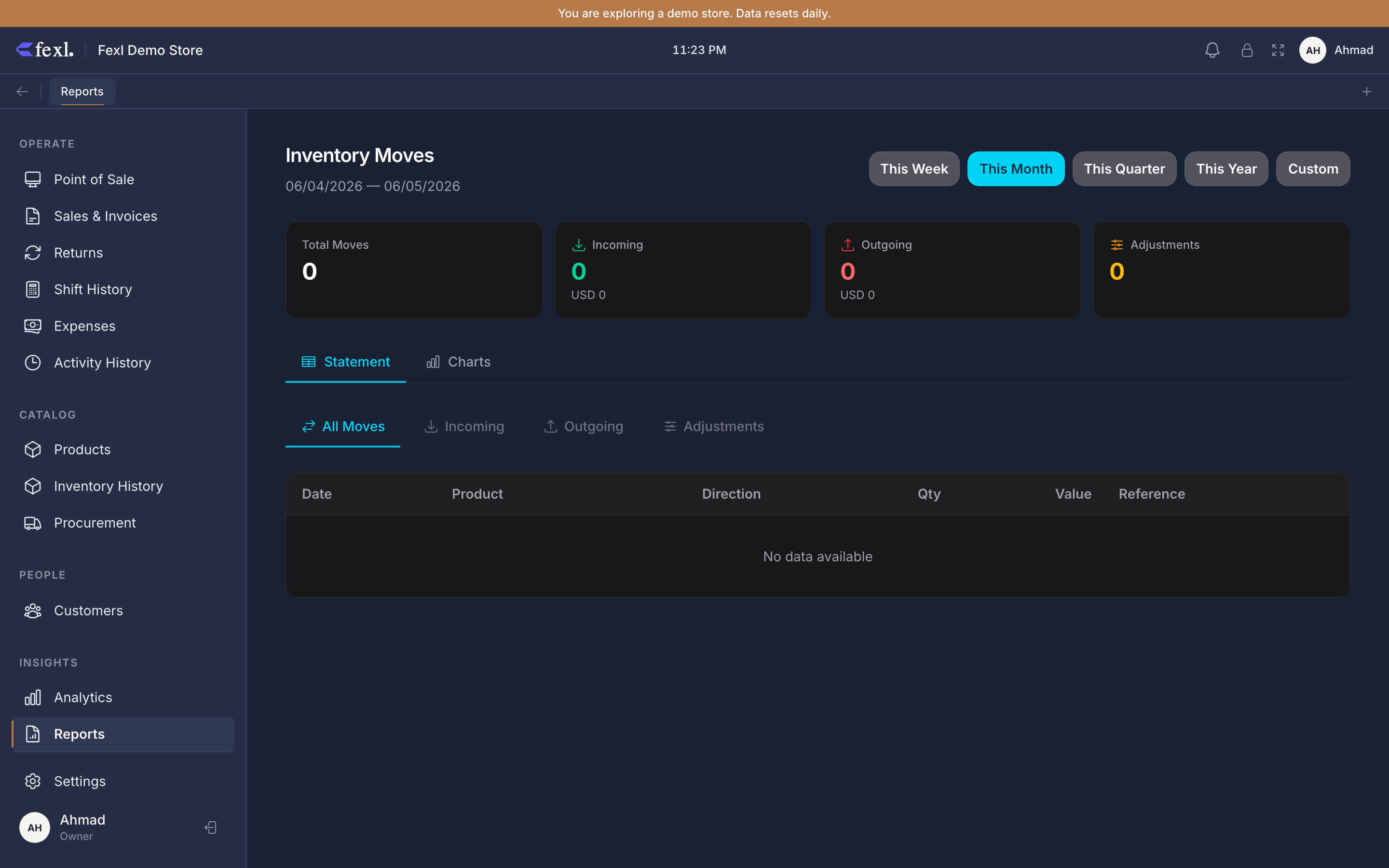
What’s in the table
Each row is one entry in inventory_transactions — Fexl Lite’s append-only inventory ledger. Columns:
- Date — when the move happened.
- Product — name + SKU. Variants render as
Product / Variant. - Type — Ingress (stock came in), Egress (stock went out), or Adjustment (manual delta from a stocktake).
- Qty Δ — the signed quantity change. Ingress is positive, egress is negative, adjustment can be either.
- Unit Cost — the per-unit cost stamped on this move. On ingress, it’s the landed cost from the PO or restock dialog. On egress, it’s the FIFO layer cost resolved at sale time. On adjustment, it’s whatever the user entered.
- Total Value —
qty × unit_cost, signed. - Source — the originating flow: PO Receive, Restock Manual, Sale, Refund, Defect Egress, Stocktake Adjustment, Bonus Egress.
Filters
- Date range — Today / Week / Month / Quarter / Year / Custom. Default is This Month.
- Type — limit to ingress, egress, or adjustment.
- Product — narrow to one product. Useful when chasing a specific product’s history.
- Source — narrow to one source type (e.g. only Refund to see all returned stock for the period).
The summary cards at the top recompute against the active filters: Total Ingress, Total Egress, Total Adjustments, Net Movement.
Source-column readability fix
Reconciling against the General Ledger
Every non-bonus inventory move corresponds to journal-entry lines on accounts 1200 Inventory and either 5010 (sale egress) or a debit to 1200 from 2010 / 1010-* (restock ingress). The Inventory Moves report and the GL are reading two views of the same underlying transactions.
To reconcile:
- Pick a date range here. Take the Net Movement value (signed total stock-value delta).
- Open the General Ledger for the same range, filter to account 1200 Inventory.
- Sum debits minus credits on 1200. Should equal Net Movement here.
If the two disagree, the most common causes are:
- A bonus egress went to 5020 instead of 5010 but credited 1200 — the move report shows it under Bonus Egress, the GL shows it on 1200 either way.
- A defect egress with the wrong disposition (write-off instead of return) — same accounts, different sub-flow, but the move shows up here.
- A historical row from before the v71 backfill — see FIFO costing for which periods are reconstructed.
Drilling into a single move
Click any row to open the source document — invoice, purchase order, expense, return, or stocktake adjustment dialog. The source link uses the JE source-linkage (source_type + source_id), so the destination matches the Source column on the General Ledger.
Export
The CSV button writes one row per move, with the raw source enum (po_receive etc.) in the source column and the rendered label dropped — that keeps the file useful for spreadsheet pivots without anchoring on locale-specific labels.